

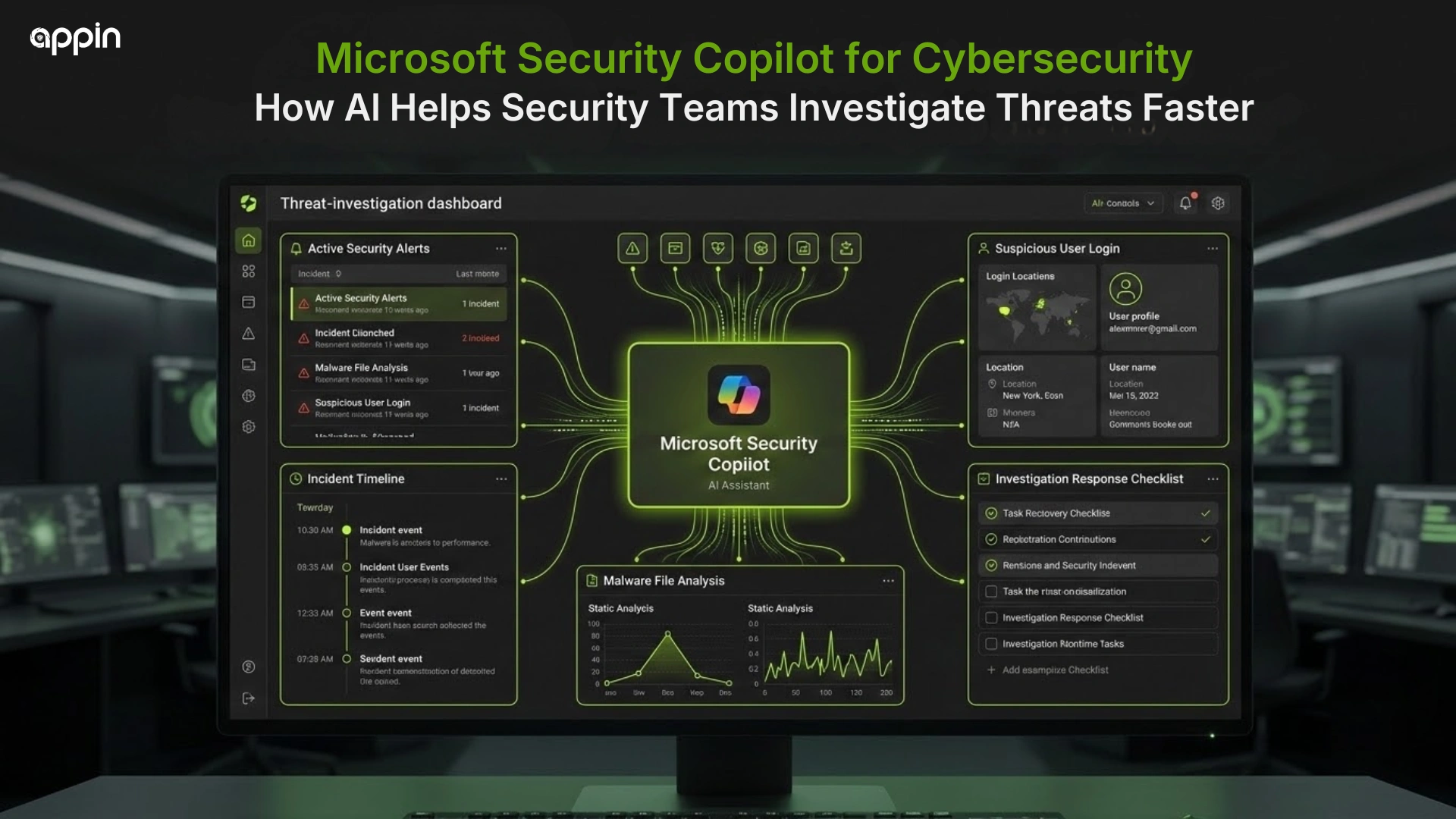
Microsoft Security Copilot for Cybersecurity: How AI Helps Security Teams Investigate Threats Faster
Microsoft Security Copilot for cybersecurity helps security teams reduce manual investigation work by summarizing incidents, connecting evidence, and guiding faster response.
Many students who want to become SOC analysts ask one simple question, “If AI can investigate threats, will human analysts still matter?” The answer is yes. AI can support analysts, but it does not replace security knowledge, log understanding, or human judgment.
This shift is part of a bigger career change, which you can also understand through AI changing cybersecurity jobs
What is Microsoft Security Copilot in cybersecurity?
Microsoft Security Copilot is an AI security assistant that helps security teams investigate incidents, hunt threats, gather intelligence, and manage security posture.
In simple terms, it works like a smart assistant for security analysts. Instead of manually reading every alert first, analysts can ask questions, review summaries, and understand incident context faster.
Microsoft Security Copilot for cybersecurity works with Microsoft security tools and helps teams improve investigation speed. But it is not a replacement for trained SOC analysts.
Why do SOC teams need AI tools like Microsoft Security Copilot?
SOC teams need AI tools because manual alert investigation becomes slow when thousands of security signals come from different systems.
A SOC team may receive alerts from endpoints, email, cloud apps, identities, and network systems. Reading all of them manually can be tiring and time consuming.
Common SOC problems include:
- Alert overload
- Too many logs
- Repeated triage steps
- Shortage of skilled analysts
- Human fatigue
- Slow incident reporting
This is where AI security operations tools help by reducing repetitive work.
How does Microsoft Security Copilot help investigate threats faster?
Microsoft Security Copilot helps investigate threats faster by summarizing incident details, correlating signals, explaining activity, and suggesting next steps.
This is one practical example of AI for threat investigation. Instead of starting with 20 separate alerts, an analyst can first read a summary of what may have happened.
It may help identify:
- Important alerts
- Affected users
- Affected devices
- Suspicious activity
- Possible attack timeline
- Recommended checks
- Response actions to review
This is how Microsoft Security Copilot helps security teams move from raw alerts to investigation context faster.
How does Microsoft Security Copilot summarize security incidents?
Microsoft Security Copilot can summarize complex incident data so analysts understand what happened without manually reading every alert first.
A good incident summary may include the key alert, affected asset, possible attack path, severity, and important evidence.
For example, instead of only seeing “suspicious sign in,” an analyst may understand that the same user also had abnormal email activity and risky device behavior.
This saves time during triage and helps the analyst decide what to check next.
How does Microsoft Security Copilot work with Microsoft Defender XDR?
Microsoft Defender XDR uses Security Copilot to simplify incident investigation through summaries, insights, and context from correlated alerts.
AI in Microsoft Defender security operations is useful because Defender XDR can connect endpoint, identity, email, and cloud signals into one incident story.
It may help analysts review:
- Endpoint alerts
- Email threats
- Identity signals
- Cloud activity
- Related evidence
- Incident story
- Suggested next steps
The analyst still validates the finding. AI gives support, not final judgment.
How does Microsoft Security Copilot work with Microsoft Sentinel?
Microsoft Sentinel can integrate with Security Copilot to support incident investigation, natural language queries, hunting, and reporting.
Sentinel is used as a SIEM platform, which means it collects and analyzes security data from many sources. Security Copilot can help analysts ask questions and work with that data faster.
It may support:
- Incident summaries
- Natural language to KQL help
- Hunting query support
- Threat context review
- Faster report creation
- Unified investigation notes
This helps beginners understand why SIEM knowledge still matters. AI can assist queries, but analysts must understand what they are asking.
How does AI help analysts understand the attack story?
AI helps analysts understand the attack story by connecting separate alerts into one clearer timeline of suspicious activity.
One alert alone may not show the full risk. A failed login, malware alert, and suspicious file access may look separate until they are connected.
AI can help organize:
- Initial access signs
- Suspicious login activity
- Malware alerts
- User or device impact
- Possible lateral movement
- Timeline of actions
- Evidence for response
Context matters more than isolated alerts. That is a key lesson for SOC students.
How does Microsoft Security Copilot support threat hunting?
Microsoft Security Copilot can support threat hunting by helping analysts ask security questions, understand patterns, and explore suspicious activity faster.
Microsoft Copilot for threat detection can help analysts form better hunting questions and understand query results. This is useful when teams want to find hidden suspicious behavior before it becomes a bigger incident.
Threat hunting support may include:
- Natural language questions
- IOC investigation
- Suspicious behavior search
- Query assistance
- MITRE ATTaCK mapping
- Result interpretation
Still, hunting is analyst led. Human validation is required.
How does Microsoft Security Copilot compare with other AI SOC platforms?
Microsoft Security Copilot is one example of how major security platforms are adding AI support to SOC workflows.
Other platforms also use AI to help with alert triage, investigation, and threat detection. For example, Google SecOps with Gemini explains how Google is applying AI to SOC analyst work.
For students, the tool name is less important than the skill pattern. Learn how alerts, logs, incidents, and response decisions work.
How does Microsoft Security Copilot help with incident reports?
Microsoft Security Copilot can help analysts prepare clearer incident reports by summarizing findings, timelines, affected assets, and response actions.
Incident reports matter because security teams must explain what happened to technical and non technical people.
AI can help structure:
- Executive summary
- Technical findings
- Incident timeline
- Evidence summary
- Affected users and devices
- Remediation notes
- Handover documentation
Analysts should review every report before sharing it because AI can miss context.
Can Microsoft Security Copilot reduce false positives?
Microsoft Security Copilot can help analysts review alert context faster, but humans still decide whether an alert is truly malicious.
False positives are alerts that look risky but are not actually harmful. AI can group related alerts and explain context, but it may not always understand business reality.
For example, a login from a new city may be suspicious, or it may be a real employee traveling for work. Human judgment is still needed.
What skills do SOC analysts still need if AI tools exist?
SOC analysts still need networking, log analysis, SIEM knowledge, incident response, threat intelligence, and critical thinking even when AI tools exist.
Security Copilot for SOC analysts is useful only when analysts understand the basics.
Students should learn:
- Networking basics
- Windows and Linux logs
- SIEM concepts
- EDR basics
- MITRE ATT&CK
- Incident response workflow
- Threat intelligence
- Report writing
Microsoft Copilot cybersecurity workflows still need people who can ask good questions and validate answers.
Can beginners learn from Microsoft Security Copilot workflows?
Yes, beginners can learn modern SOC thinking by studying how AI tools summarize alerts, build timelines, and support response decisions.
AI tools for security incident investigation show students how professional teams move from alert to evidence to response.
Beginners should focus on:
- Alert triage basics
- Incident timeline thinking
- Evidence based analysis
- Log reading
- Escalation logic
- Report writing
These skills are useful for SOC L1 and future SOC L2 growth.
What are the limitations of Microsoft Security Copilot?
Microsoft Security Copilot is powerful, but it still depends on data quality, integrations, correct prompts, and human validation.
If data is missing or poorly connected, the AI may give incomplete answers. If the analyst asks a weak question, the output may not be useful.
Limitations include:
- AI can make mistakes
- Poor data gives poor answers
- Not every tool may be integrated
- Sensitive data needs care
- Human validation is required
- Cybersecurity training is still necessary
Microsoft Security Copilot for cybersecurity should be seen as an assistant, not an autopilot.
